3D-Agent: Blender AI Plugin
Generate 3D Models from Text
Join 4,000+ Blender artists from


How 3D-Agent Works
Three steps from text prompt to 3D model export in Blender. No manual modeling. No waiting days.
Describe Your 3D Model
Type what you want to create in plain language. 3D-Agent understands your vision.
3D-Agent Generates in Blender
3D-Agent processes your prompt and builds the 3D model automatically using AI.
Export from Blender
Download in your preferred format (OBJ, FBX, GLB, USDZ) directly from Blender.
See it in action
Click through a real workflow — no download needed.
Describe it. Watch it appear.

“Medieval Gothic church for a fantasy RPG”
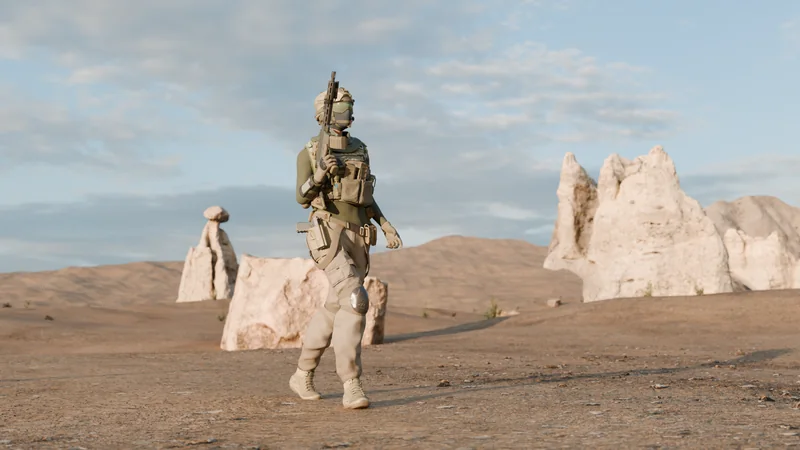
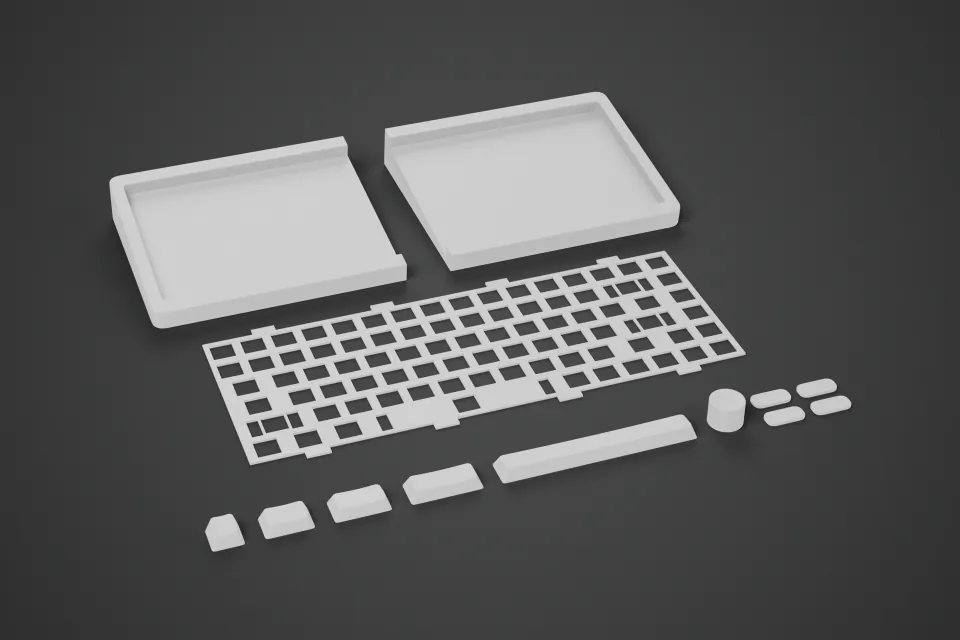
3D-Agent creates optimized characters, props, and environments for Unity, Roblox, and Godot directly in Blender.

“Modern house with glass facade and rooftop garden”
3D-Agent enables rapid prototyping for architectural concepts using Blender AI-powered 3D modeling.

“Parisian bedroom with herringbone parquet and sheer curtains”
Stage photorealistic interior renders for real estate, hospitality, and residential design — from a single text prompt.

“A cute teddy bear with soft fur and button eyes”
Describe your vision in plain language. 3D-Agent generates production-ready 3D models in Blender within minutes.
3D-Agent — Text to 3D in Blender
Skip weeks of manual Blender modeling. Describe what you need in plain text — 3D-Agent generates production-ready 3D models using AI.
- Reads your Blender viewport
- Follow-ups build on existing geometry
- Undo or iterate with one message
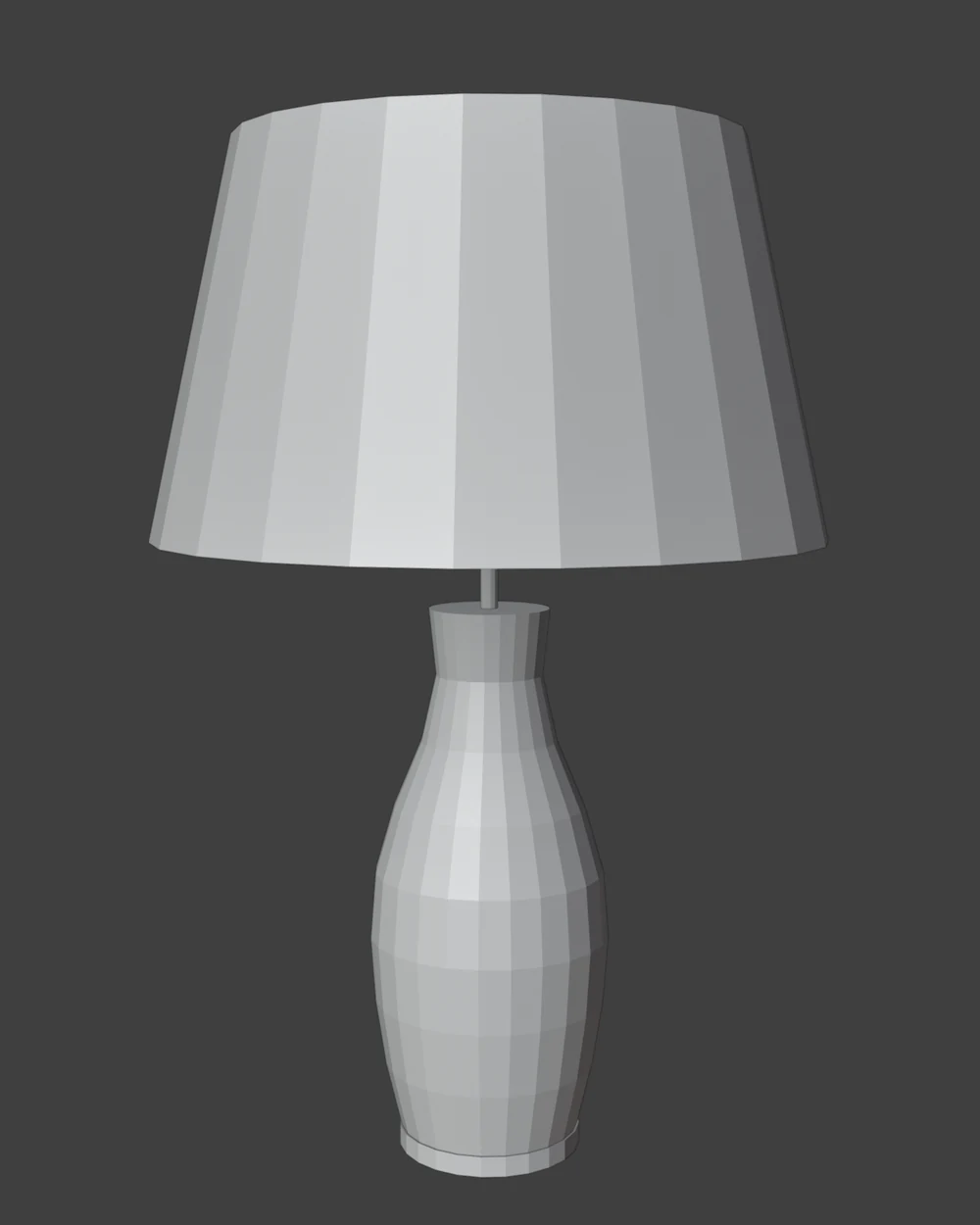
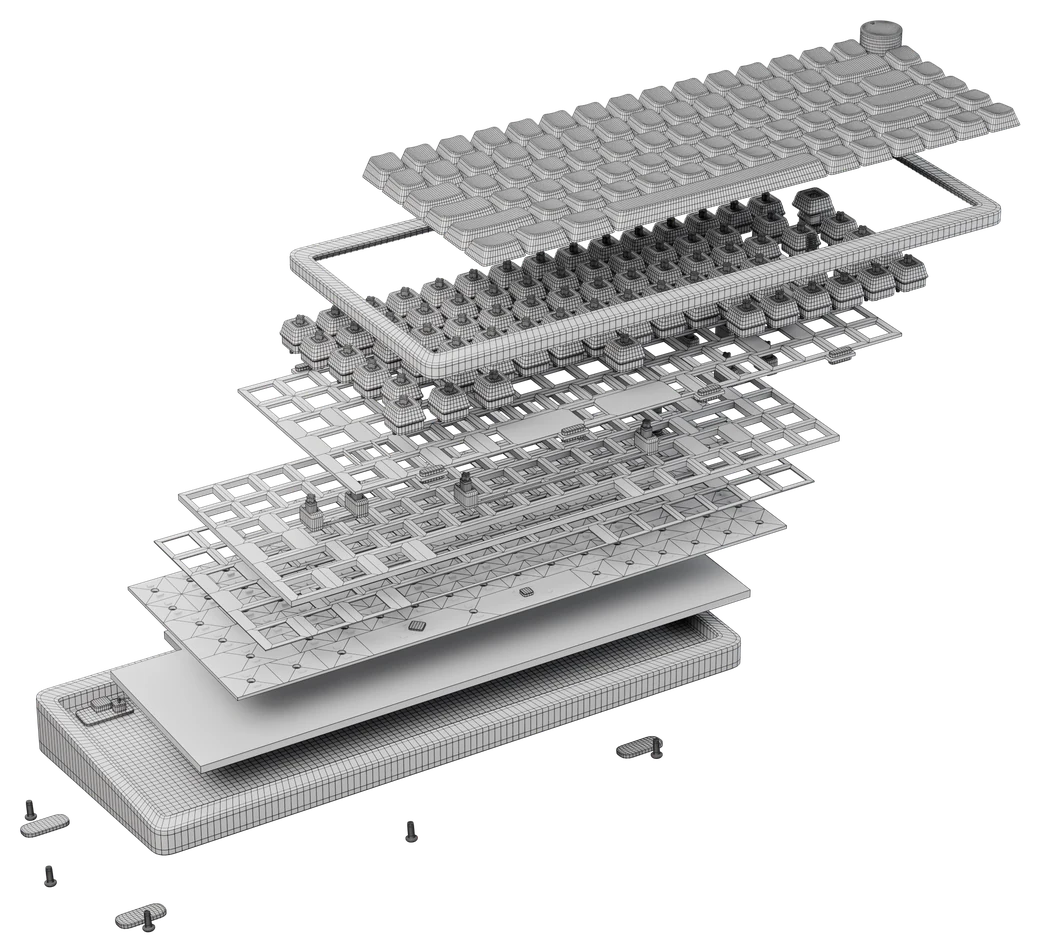
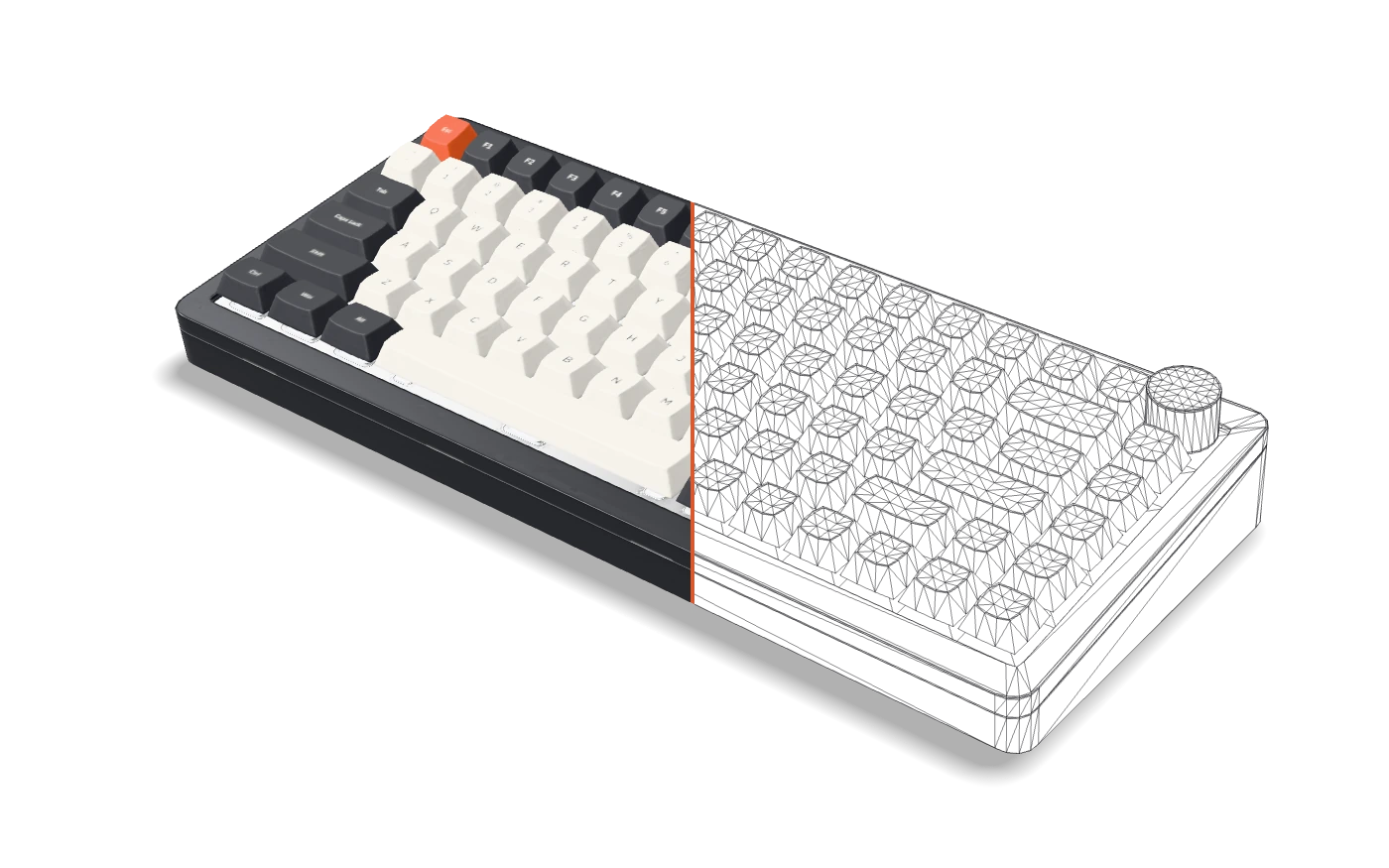
Clean topology. Not AI blobs.
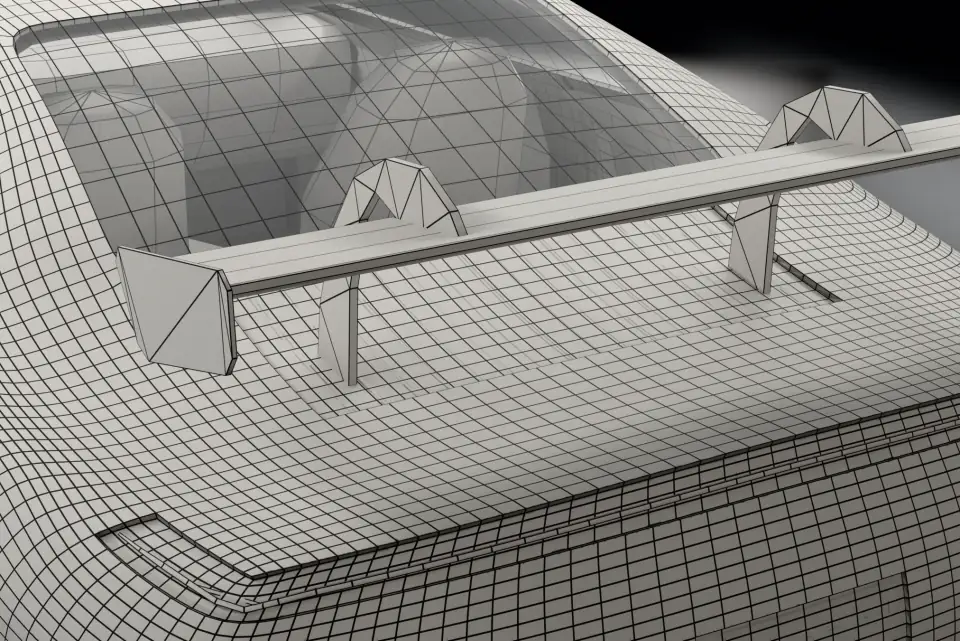
Production-ready meshes with proper edge flow. Models that work in game engines, renderers, and animation rigs.
- Quad-dominant mesh topology
- Game-engine and renderer ready
- Clean UV unwrapping
Iterate renders with a text prompt.
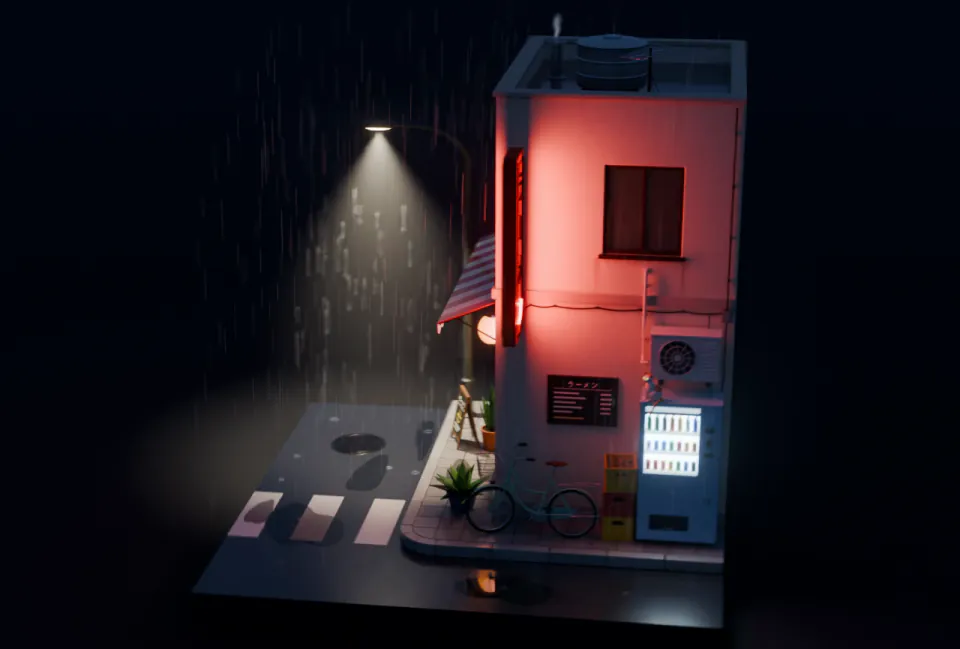
Your client wants the bed moved, a new angle, a different light. Describe the change in plain text — 3D-Agent updates the Blender scene and returns a new photorealistic render in minutes, not days.
- Photorealistic AI renders directly in Blender
- Reposition objects and cameras from text
- Export to OBJ, FBX, GLB, or USDZ
Automate Blender in plain English.
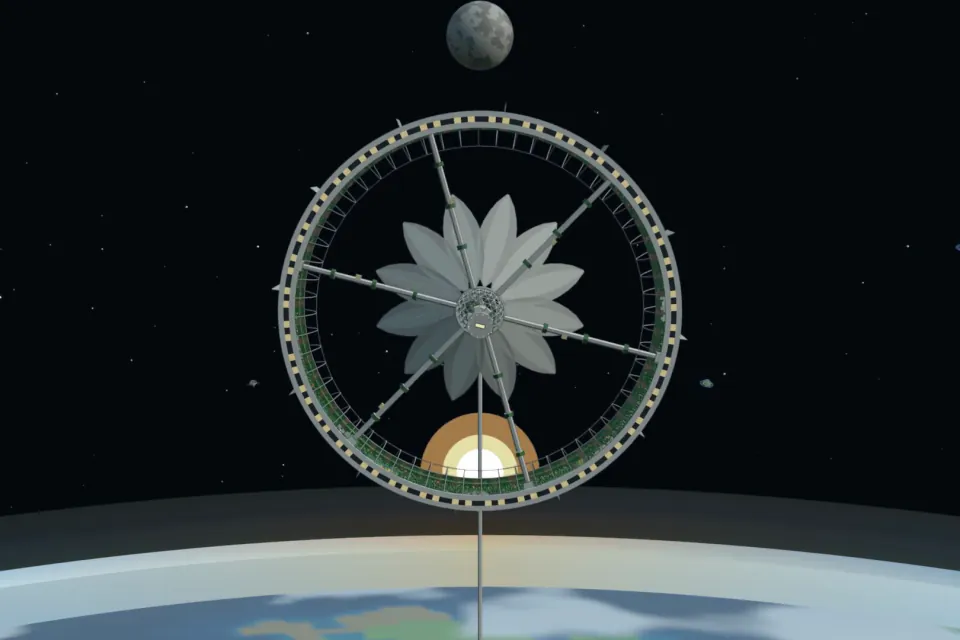
Lighting setups, batch operations, modifier stacks — describe what you want and 3D-Agent writes the Blender Python script.
- Writes Blender Python from text
- Full script preview before execution
- Lighting, modifiers, keyframes, batch ops
Animate anything with a prompt.
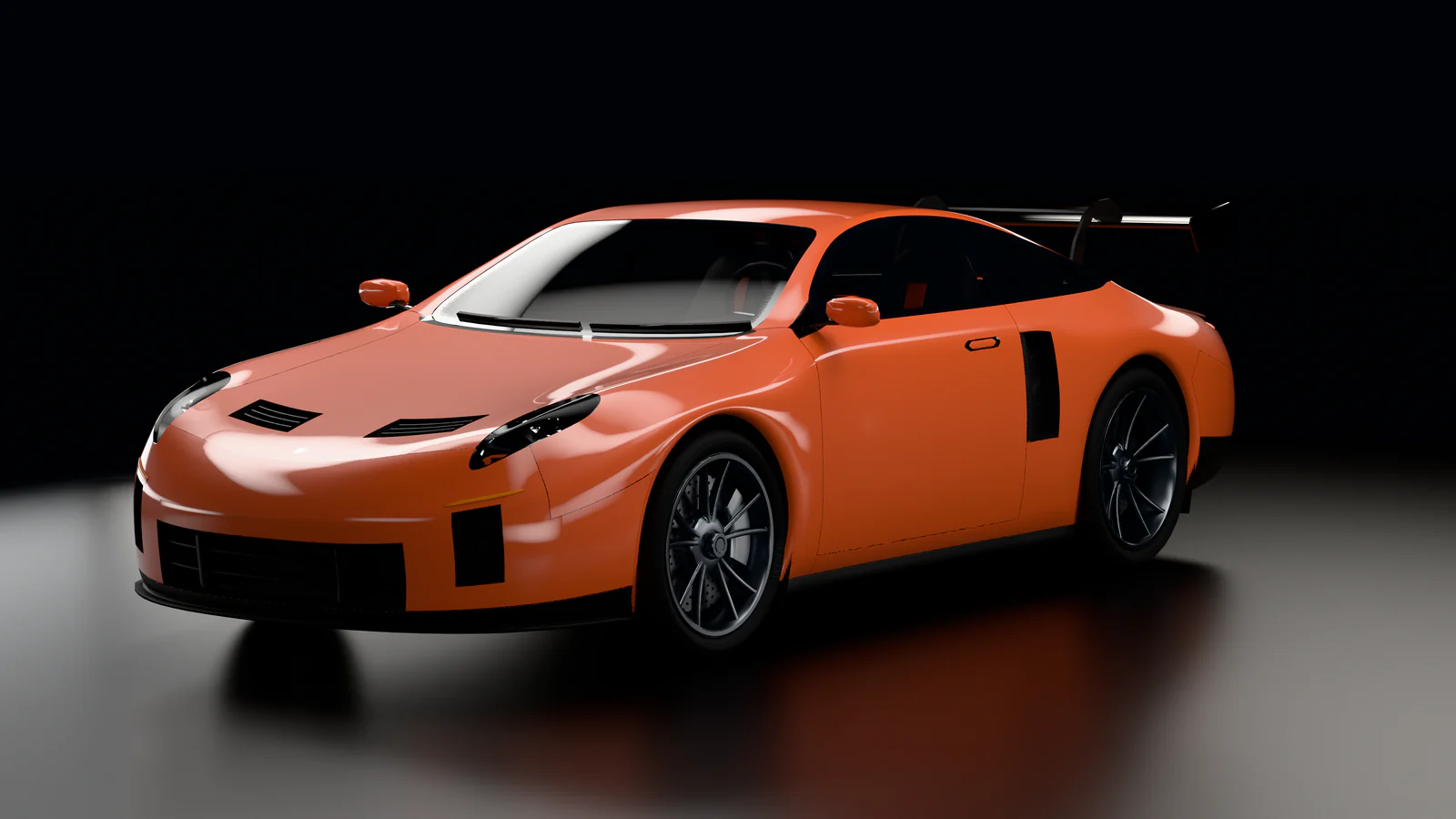
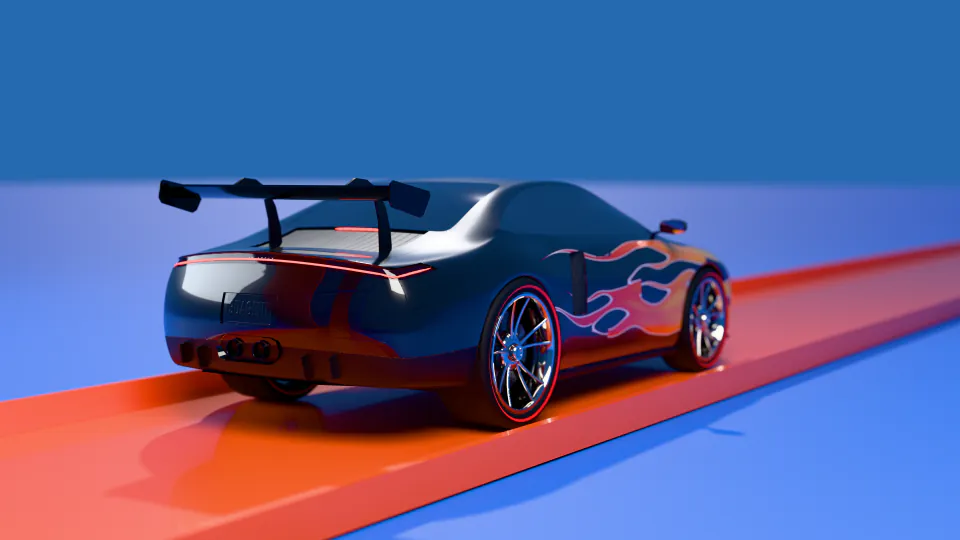
Keyframe a walk cycle, rig a car, or animate a camera flythrough. Describe the motion in plain text — 3D-Agent handles the rest in Blender.
- Text-driven keyframe animation
- Camera paths and flythroughs
- Character rigs and walk cycles
Build Roblox maps in Blender with AI.
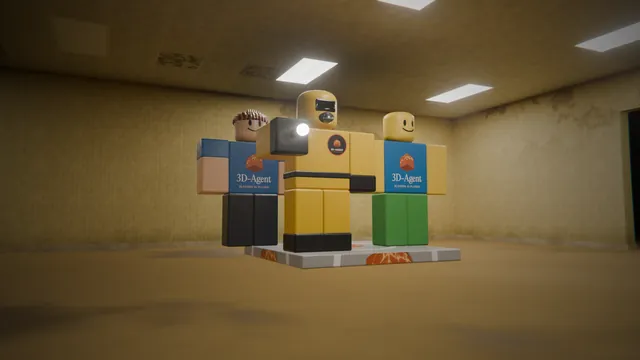
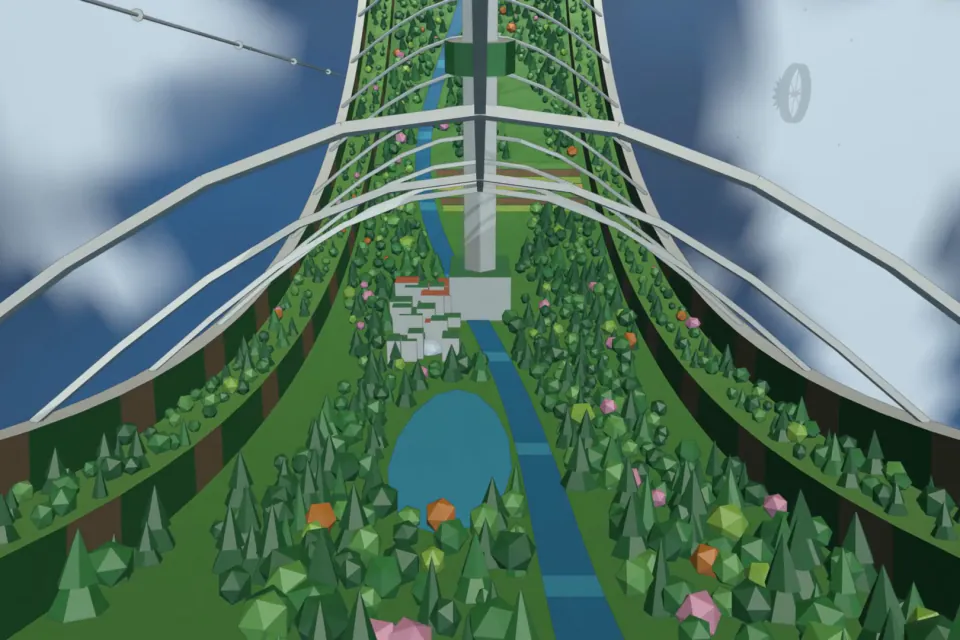
Generate terrain, structures, road networks, and textures in Blender — then hand the scene off to Roblox Studio without leaving your workflow. Built for indie devs and map makers who need production-ready environments in minutes, not days.
- AI terrain generation for Roblox games
- Roblox Studio–ready Blender scenes
- Iterate map variations with a text prompt
What artists are saying
Real feedback from our Discord community
“It's a great bot, helped me make models a lot faster.”
“Just dropping in to say this has saved me a ton of time. I 3D model tools for bullet reloading, and this has been an absolute lifesaver!”
“Used to spend forever blocking out props for my game. Now I just describe what I need and get a solid base mesh in seconds. Honestly a game changer for prototyping.”
“Generated a concept model for a client while we were still on the call lol. They were impressed. This thing pays for itself.”
“Ok the topology is actually clean?? Other AI tools give you a messy blob but this gives you quads you can actually work with. Sold.”
“I bill by the project not the hour so this literally doubled my output. Taking on more clients without burning out, can't complain.”
Explore Guides
Learn workflows, compare tools, and jump into the exact guide for Blender AI, MCP, or AI 3D generation.
Simple, transparent pricing
3D-Agent pricing plans built for real production workflows. Start free, then scale with higher limits, faster generation, and priority support.
Free
$0forever
1 prompt per day. Up to 15 per month. Perfect for trying things out.
Download Free- 1 prompt per day
- Up to 15 prompts per month
- All core 3D generation features
- Community support
Starter
$10per month
Everything in Free. Plus 100 bonus prompts per month. Ideal for everyday creative work.
Start Free Trial- Everything in Free
- 100 bonus prompts per month
- Faster generation priority
- Email support
- Commercial license
Advanced
$100per month
Everything in Free. Plus 1,000 bonus prompts per month. For professionals who need serious throughput.
Contact Sales- Everything in Starter
- 1,000 bonus prompts per month
- Highest priority queue
- Priority email support
- Team collaboration
Common questions.
Quick answers to what Blender artists ask most. Still stuck? Join the Discord — the team replies there daily.
What is 3D-Agent?
3D-Agent is an AI assistant for Blender. Describe what you want in plain text and 3D-Agent generates production-ready 3D models, textures, animations, and Blender Python scripts — all inside your open scene.
Do I need Blender to use 3D-Agent?
Yes. 3D-Agent installs as a Blender addon and works directly on your open scene. We support Blender 3.6+ on macOS and Windows. Free Blender download at blender.org.
What file formats can I export to?
OBJ, FBX, GLB, and USDZ are supported one-click from Blender. Materials and UV maps are preserved. Because generation happens inside Blender, you can also use any of Blender’s native exporters for specialised formats (Alembic, STL, Collada, etc.).
Does Blender have AI built-in?
Blender itself doesn’t ship with AI model generation or AI assistants built-in — the official software stays focused on manual 3D modeling. Addons like 3D-Agent bring AI into Blender: text-to-3D, AI textures, Python script generation, and scene-aware iteration, all without leaving your viewport.
Is Blender AI free?
Blender itself is free and open-source. 3D-Agent, the AI assistant for Blender, has a free tier with a monthly generation cap for evaluation and personal projects. Paid plans unlock higher limits, priority generation, a commercial licence, and all export formats. See /pricing for current tiers.
Can I use 3D-Agent for commercial projects?
Yes. Paid plans include a commercial licence covering client work, product visualisation, games, and film. The Free plan is for personal projects and evaluation.
How does 3D-Agent compare to ChatGPT, Blender Copilot, and other AI tools?
ChatGPT can write Blender Python scripts, but it can’t see your scene or modify geometry directly — you copy-paste code and hope it runs. Blender Copilot-style plugins help with commands but don’t generate models. 3D-Agent lives inside Blender, reads your viewport, generates production-ready geometry with clean quad topology, and can also write and execute Python scripts for you. One tool for modeling, texturing, animation, scripting.
What’s the difference between the Free and paid plans?
The Free plan has a monthly generation cap and limits export to OBJ. Paid plans unlock higher generation limits, all export formats (OBJ/FBX/GLB/USDZ), priority support, a commercial licence, and Blender Python scripting. See /pricing for current plans and limits.
What is the best AI assistant for Blender?
If you need text-to-3D, AI textures, animation, and Python scripting from a single addon, 3D-Agent is purpose-built for production. It’s the only Blender AI assistant that reads your viewport, generates quad-dominant topology, and lets you iterate with follow-up prompts. Most alternatives specialise in one thing (chat-only, mesh-only, or texture-only) and force you to stitch them together.
Can AI create clean topology in Blender?
Yes. Most AI 3D generators output dense triangle blobs that need manual cleanup before they’re usable. 3D-Agent generates quad-dominant meshes with proper edge flow, UV-unwrapped and rig-ready out of the box — the same topology a human 3D artist would hand you. That’s why 3D-Agent output goes straight into game engines, renderers, or animation rigs without retopology.
Does 3D-Agent work offline?
No — generation relies on cloud AI inference, so you need an internet connection when prompting. Once a model is generated into your scene it’s fully local: keep editing, rendering, and exporting offline. Your prompt and scene context go to our API only for generation — we do not keep or train on your scene data.
See 3D-Agent in Action
Book a 20-minute demo with our team. We’ll walk through your Blender workflow and show you how 3D-Agent’s AI-powered modeling can transform your process.
Ready to build in 3D with AI?
Join thousands of Blender artists using 3D-Agent to speed up their workflow.